Patients & patient file
Adding a patient
Patients → New patient, enter name, age (years, months or days) and phone, then Save.
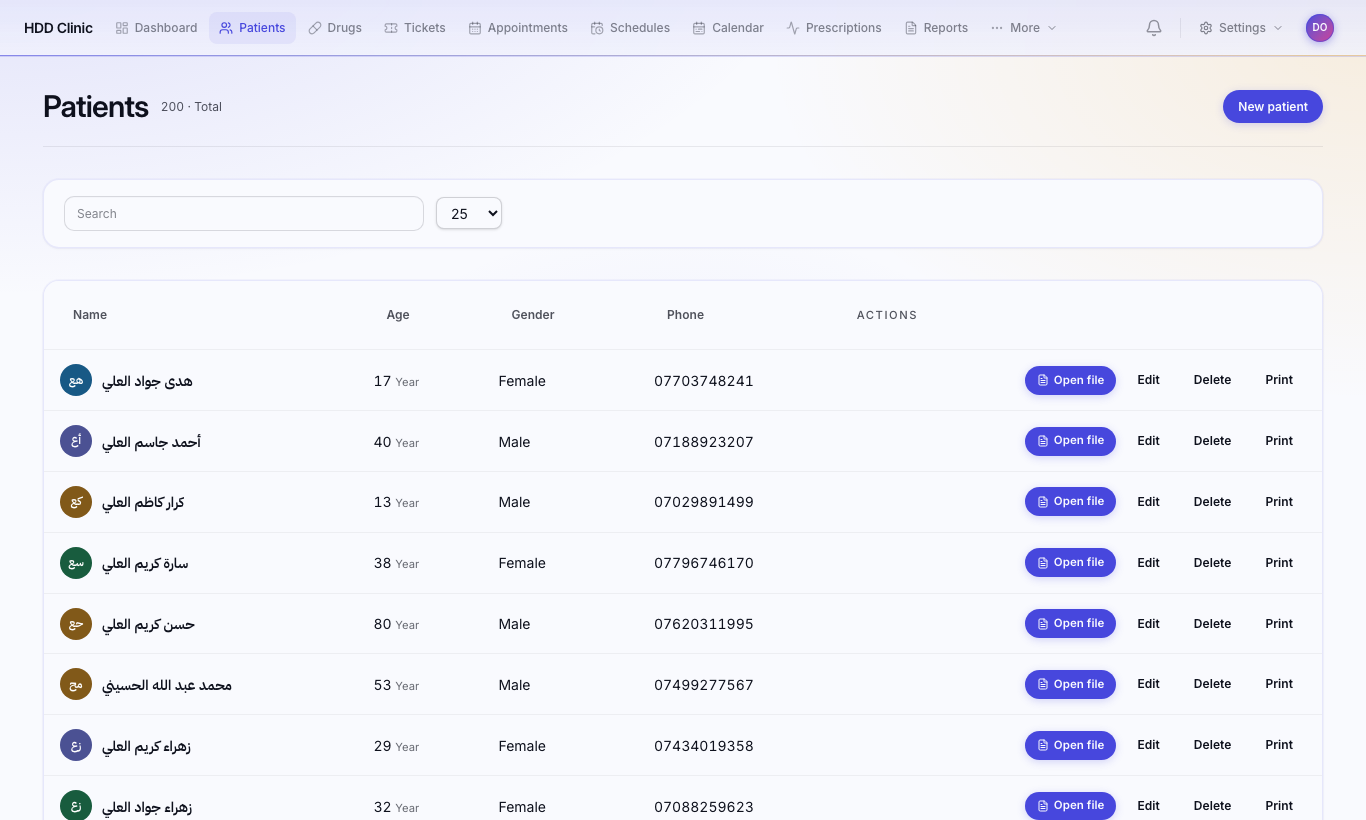
The phone number matters
It is used for WhatsApp reminders and for the patient portal sign-in. Several patients (a parent and children) can share one number.
You can also add a patient while creating a ticket or appointment: press New patient in the search box.
Finding a patient
Type part of the name or phone in the search box. Small spelling mistakes are tolerated.
The patient file
Open the patient from Patients, or press View full patient file on a ticket.
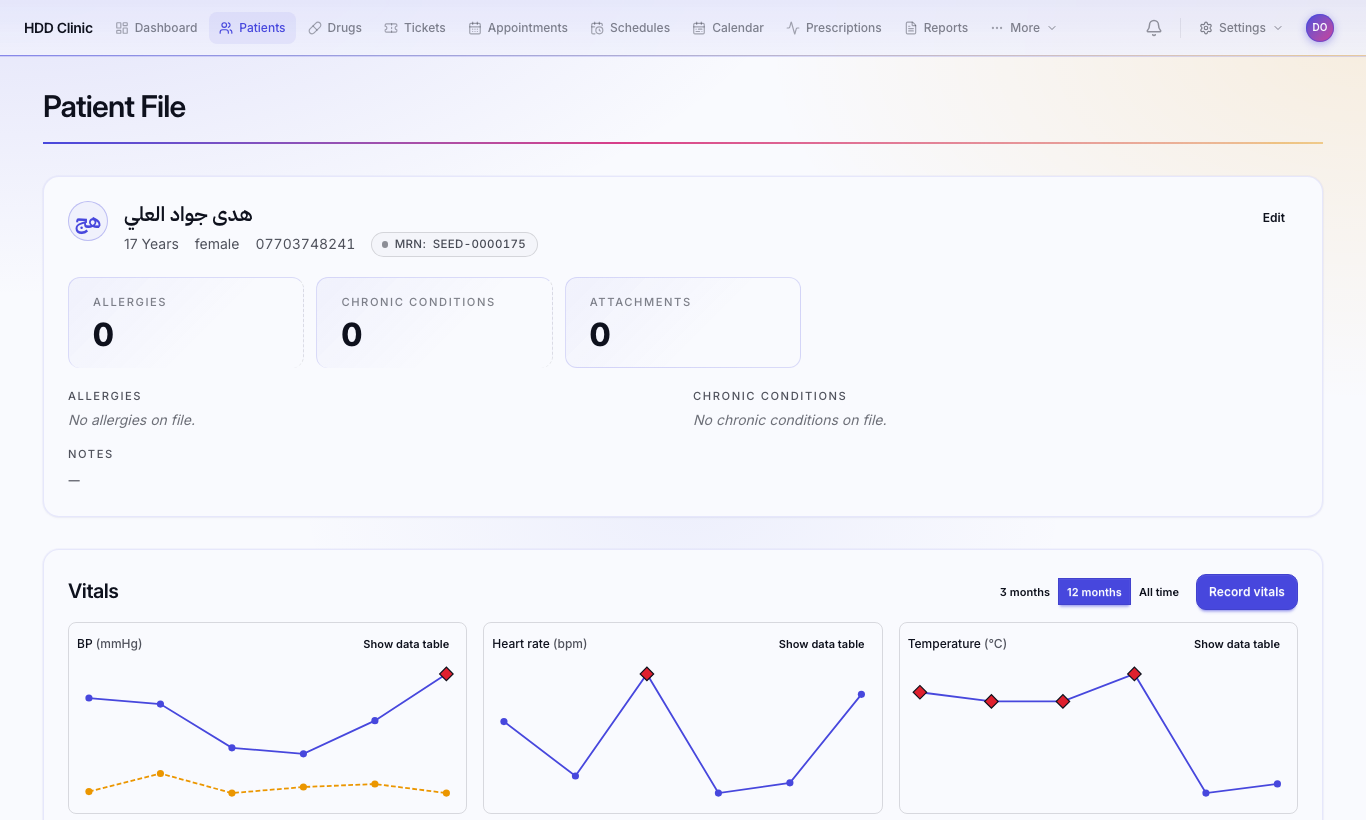
| Section | What's in it |
|---|---|
| Summary | Chronic conditions, allergies, general notes. Edit, then Save. |
| Timeline | Every visit, prescription and result in order. |
| Vitals | Record vitals (blood pressure, pulse, weight…), with History and Trends charts. |
| Visit notes | Free notes per visit. |
| Follow-ups | Add follow-up with a date; the patient can be reminded on WhatsApp. |
| Attachments | Upload PDFs or images, or photograph a paper with the camera (Add page for several pages). |
| External requests | Orders sent to outside pharmacies and labs, with results. |
Attachments
Up to 25 MB per file. A deleted file is hidden and can be restored; permanent deletion is for doctors only.