Online booking, portal & WhatsApp
Online booking
Patients book from their phone without calling.
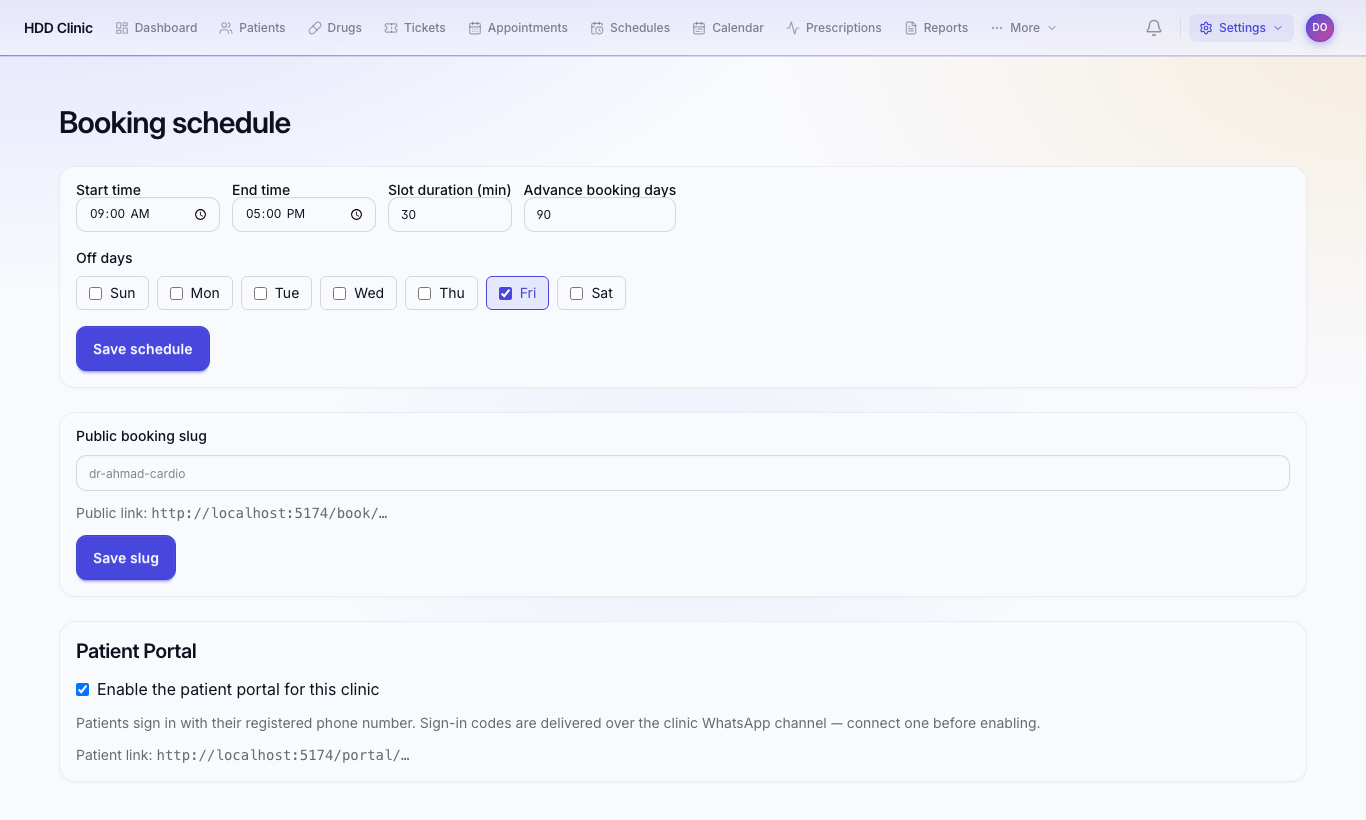
- Settings → Online booking: turn booking on and choose your clinic's link name (e.g.
dr-ahmed). - Booking link for patients:
https://clinic.iq-server.com/book/dr-ahmed - Share it on WhatsApp, Instagram and Google Maps.
The patient picks a doctor (or first available), a time, and enters their details. The appointment appears in Appointments as Booked; reception must confirm it.
Offered times come from doctor schedules; time off is hidden automatically.
Patient portal
Patients see their prescriptions, lab results and appointments on their phone.
- Settings → Online booking → Patient Portal → Enable.
- Portal link:
https://clinic.iq-server.com/portal/dr-ahmed - The patient enters the phone number registered at the clinic and receives a code on WhatsApp.
A lab result appears in the portal only after the lab uploads it.
Needs WhatsApp
The portal sends the sign-in code through the clinic's WhatsApp. Without a connected WhatsApp number the code never arrives.
WhatsApp
WhatsApp Inbox
WhatsApp Inbox: patients' messages to the clinic number in one place. Staff can reply, assign the chat to a colleague, or close it, depending on their permissions.
Automatic reminders
- Settings → Follow-up reminders: reminds the patient of the follow-up date the doctor set in their file.
- Settings → Patient reminders: an automatic message before the appointment.
Connecting the clinic's WhatsApp number
WhatsApp Settings: needs a WhatsApp Business account and message templates approved by Meta. It's a one-time step; ask support if you are not familiar with it.