External service providers
Pharmacies, laboratories and radiology centres outside your clinic can receive your orders and send results back through the app.
For the clinic
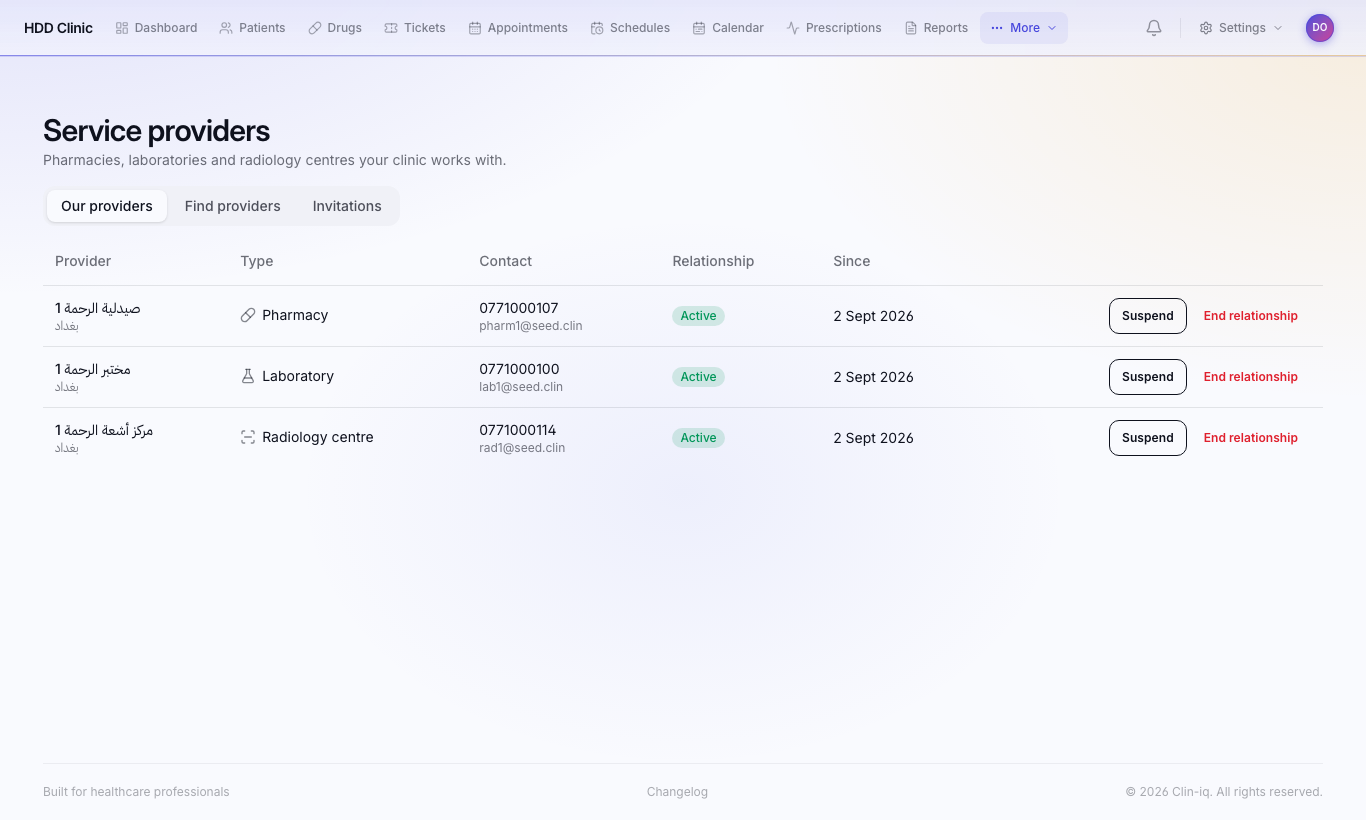
Linking a provider
- Providers → Create invitation link.
- Send the link to the pharmacy or lab. They register through it; once the system administrator approves, the link is active.
Sending a request
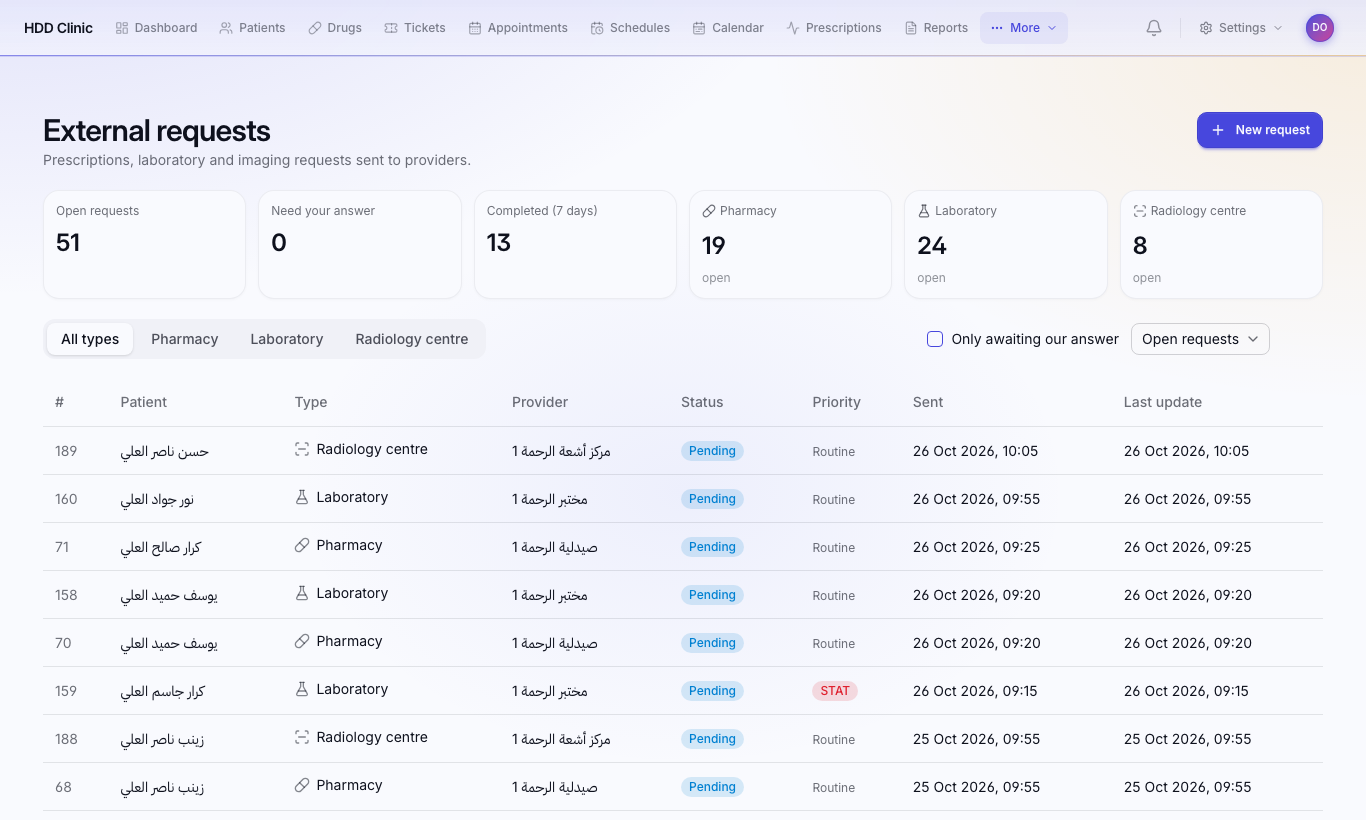
- External requests → New request, or from the patient file.
- Choose the patient and the provider.
- Add medications (Add medication) or tests (Add).
- Press Send request.
The provider sees the patient's name and the request only, never the rest of the file. Results arrive on the request page and in the patient file. To cancel: Cancel request.
For the provider (pharmacy / lab / radiology)
- Register:
https://clinic.iq-server.com/provider/register, or the clinic's invitation link. - Sign in:
https://clinic.iq-server.com/provider/login - Dashboard: incoming requests from every linked clinic. Open one to fulfil it and send the result.
- Clinics: clinics linked to you.
- Staff: add your pharmacy or lab staff.
- Profile: name, address and contact details.